Your script library
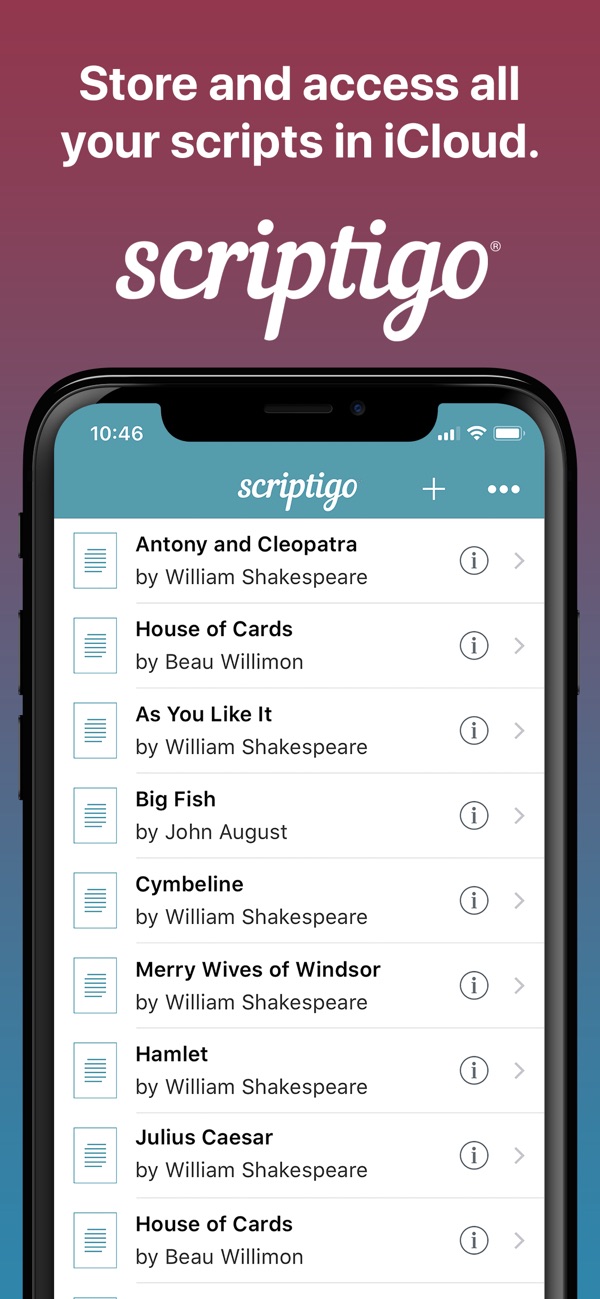
Keep every script in one place, easy to reach and synced across your devices.
For iPhone & iPad
Create, manage, and share your scripts for film, television, and theatre all in one place. Scriptigo is the script reader, editor, and manager built for mobile devices.
Working with a team? Scriptigo Sharing keeps everyone in sync, and you can try it free for 30 days.
Import scripts from almost any format, edit them, and share them with your cast and production team.
Keep every script in one place, easy to reach and synced across your devices.
Batch import from email, iCloud, Dropbox, Google Drive, and Google Docs. Works with Final Draft, Word, PDF, plain text, and Fountain (used by Highland and Slugline).
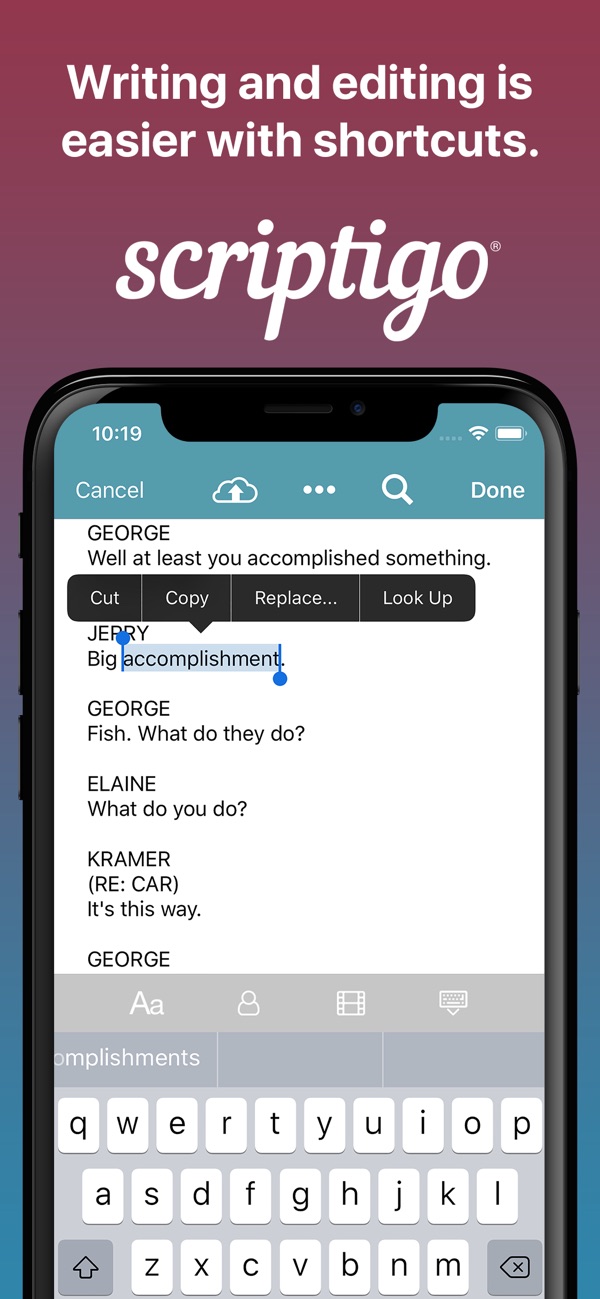
Use standard script formatting, or choose your own font, size, and layout.
Formatting happens automatically, so you just type. Power find and replace makes bulk changes across a whole script.
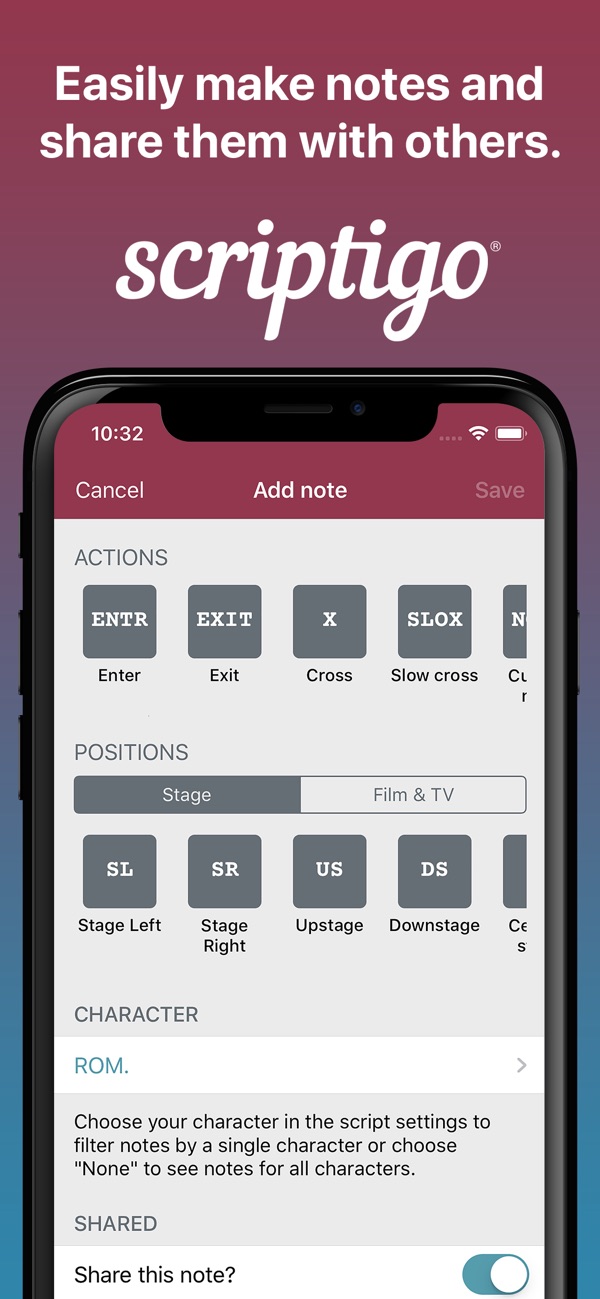
Write notes in your scripts and assign them to a character or user. Keep notes private or share them, and scribble right on PDFs.
Add light and sound cues to your script, then call the show straight from it.
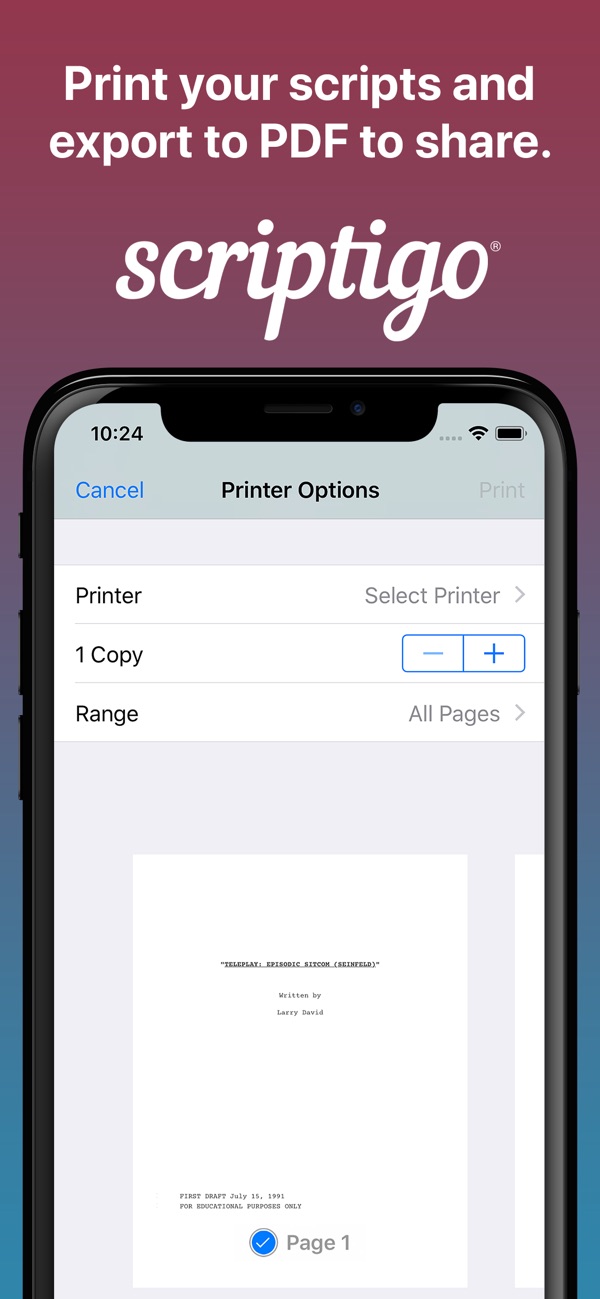
Print scripts or share them as PDFs. Build shot lists for your shooting schedule and scene outlines to manage structure and flow.
Hide your character’s lines while you memorize. When you get stuck, swipe a hidden line to peek at it.
Scan your scripts for common problems and inconsistencies, and fix them automatically.
Your whole production team works from the same script, synced within minutes. Share notes and assign them to specific people.
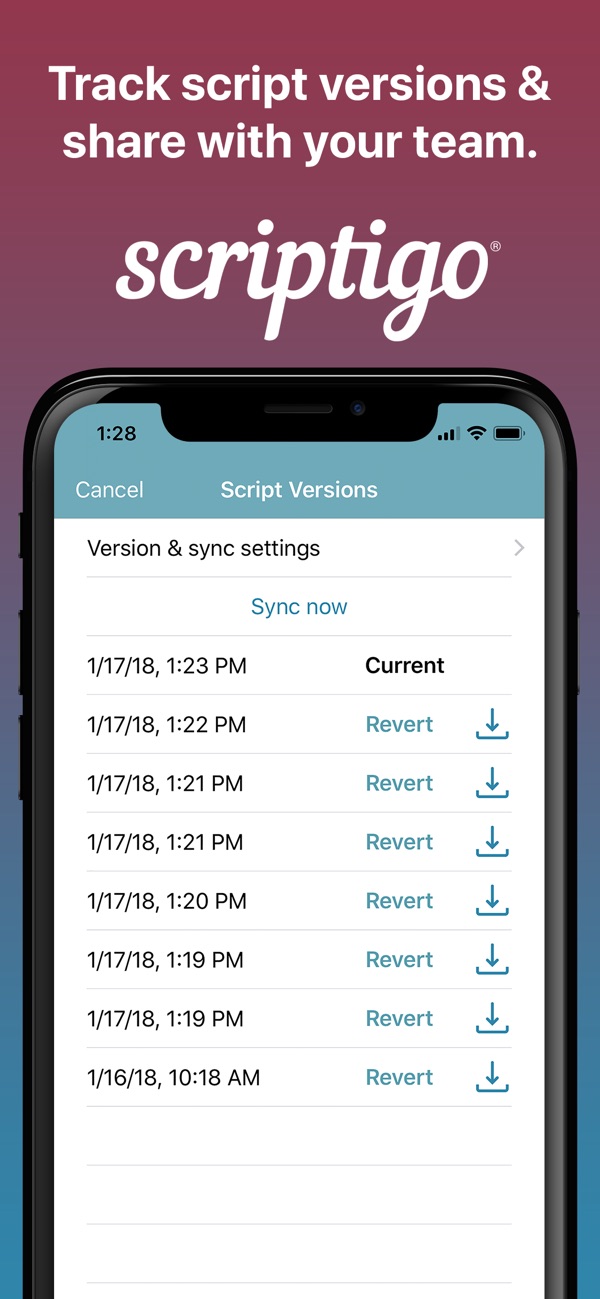
Every change is tracked, so you can roll back a mistake. Revision marks show where the latest edits are, and locked line numbers stay put after edits.
Start free, upgrade when you need editing and notes, and add Sharing when your whole production needs the same script.
The basics, with unlimited scripts. Best for casual users who want their scripts in one place for study or as a handy reference during production.
Full script editing and notes. Built for writers, directors, producers, actors, and anyone who creates, edits, and manages scripts.
A subscription for production teams who need to stay in sync on scripts through the whole process, from script to stage or screen.
You can upgrade to Pro inside the free app or download Scriptigo Pro directly. Sharing is an in-app subscription that renews automatically each month, and you can cancel any time in your App Store account settings. Prices may vary by country.
Short tutorials on the main features.
Have a question, found a bug, or want to request a feature? Our support team is ready to help.